logo SonarCloud / SonarQube Connector for Confluence


Integrate your SonarQube or SonarCloud projects into your Confluence pages.

With this application you will be able to add and consult your metrics of SonarQube or SonarCloud without leaving Confluence and to consult the real state of quality of code quickly.

Features and benefits of integrating SonarQube with Confluence

Discover what you can do with SonarQube Connector for Confluence and the benefits it brings to your team.

Macros display

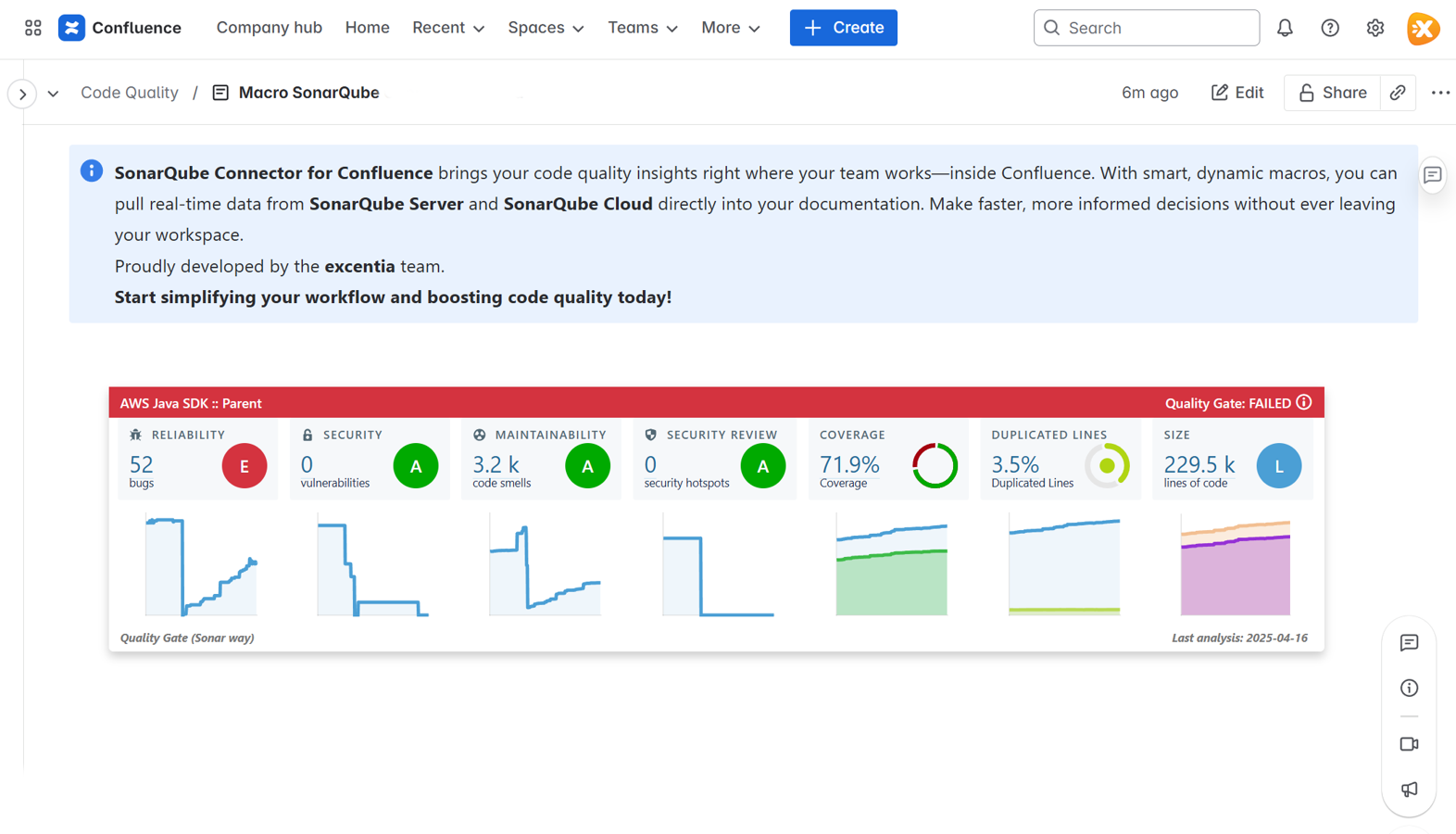
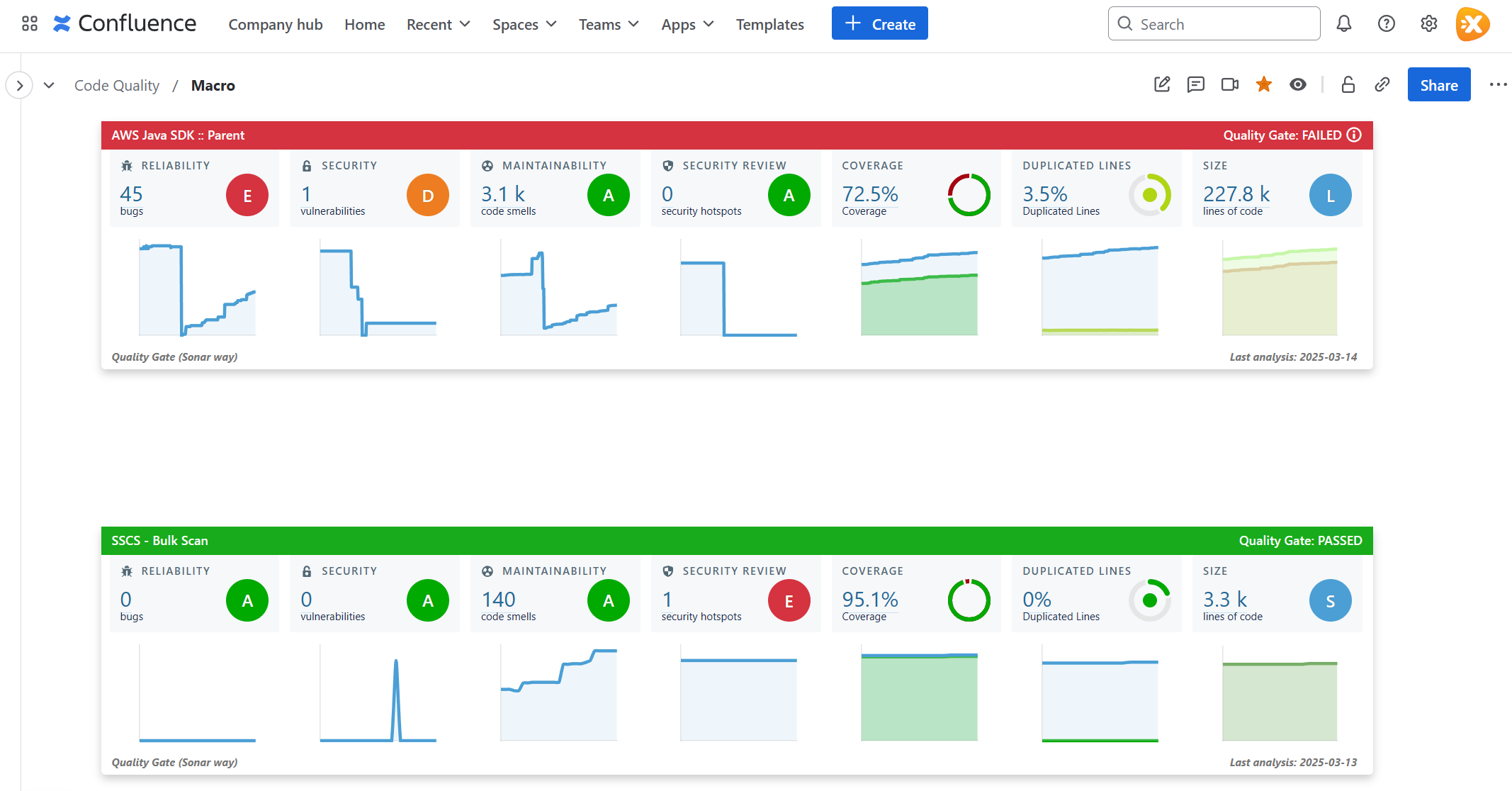
With this connector you can visualize the general information of 1:N projects (size, bugs, vulnerabilities, code smells, code coverage and duplicate code).


View multiple SonarQube projects in Confluence
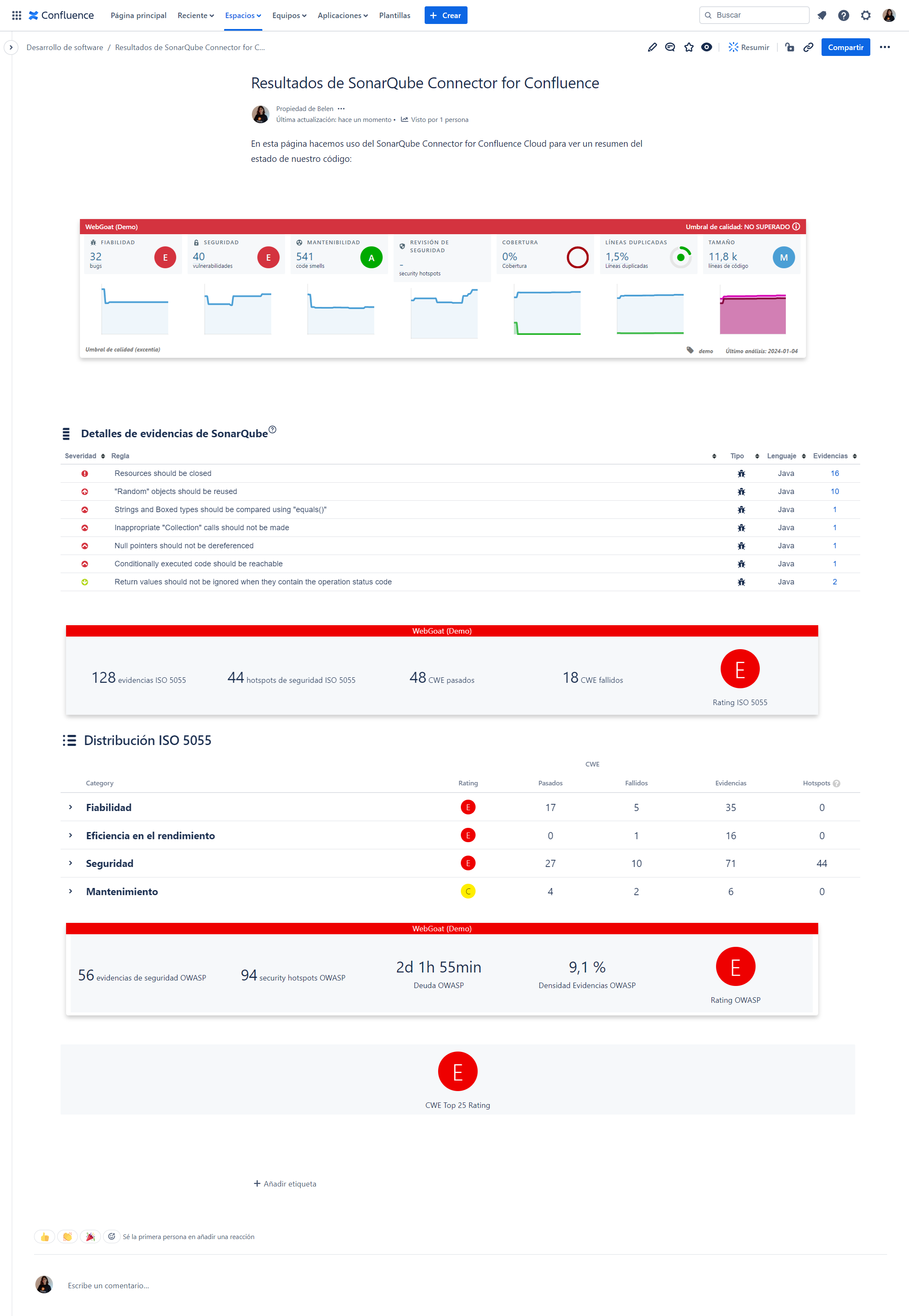
Detailed SonarQube metrics in Confluence

Disaggregated information

This application will allow you to add the information of a specific metric to view it. You can also consult the SonarQube or SonarCloud issues of one or more authors.

Critical Data

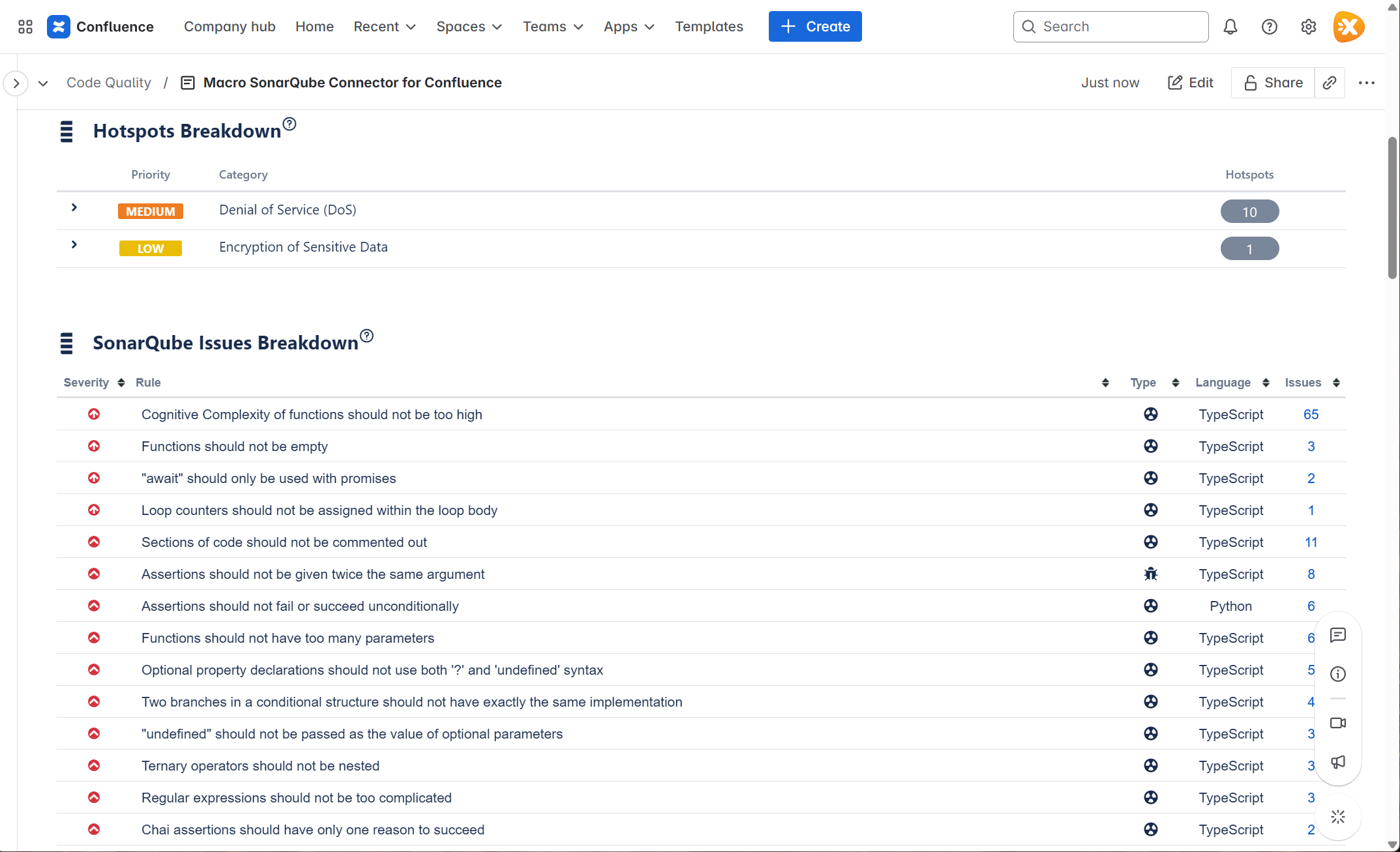
Thanks to this solution you will be able to view a list of critical and blocking issues (bugs, vulnerabilities and code smells) of a project of your SonarQube or SonarCloud.

View SonarQube issues and hotspots in Confluence
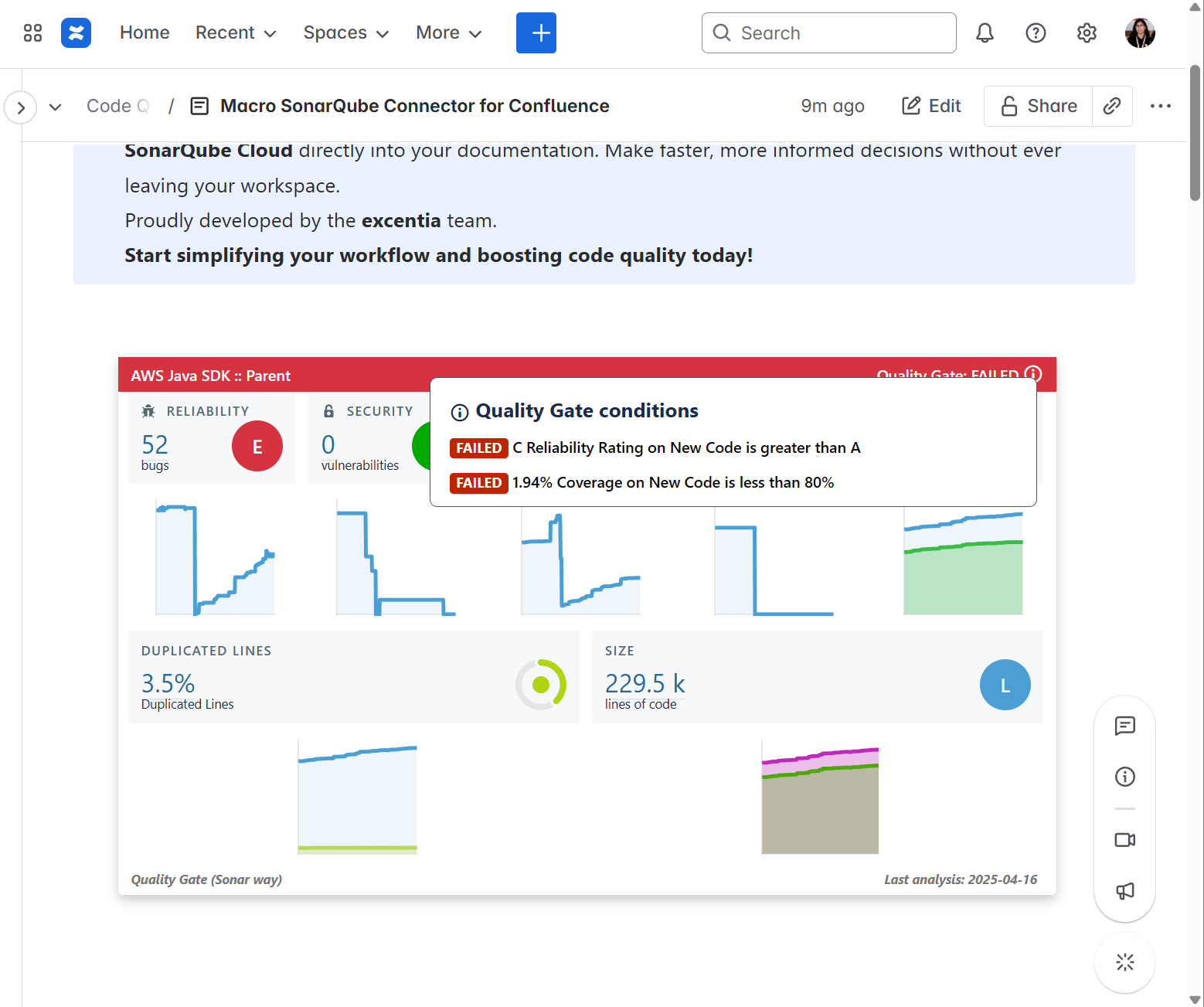
SonarQube quality gate in Confluence

Quality integrated into your documentation

Make decisions about your code directly from Confluence, keeping all the information centralized in the same documentation space.

Integrate quality into your documentation

Thanks to the SonarQube/SonarCloud connector, you will speed up the process of querying the real status of your code and it will be easier for you to make decisions to improve the status of your code. All without leaving from your Confluence

Atlassian and SonarSource stronger together.

The SonarCloud / SonarQube Connector for Confluence allows access to the most relevant data on the quality of the code in the same space where all the documentation resides.

This integration, thanks to dynamic macros, allows bringing the information from SonarQube / SonarCloud to Confluence, speeding up the consultation process prior to decision-making.

Project Managers will be able to make sure if the quality of the code is good enough directly from Confluence.

What kind of metrics are displayed?

Reliability: Focused on bugs, an issue that represents something wrong in the code.

Security: Focused on vulnerabilities, a security-related issue which represents a potential backdoor for attackers.

Maintainability: Focused on code smells, a maintainability-related issue in the code.

SonarQube Connector for Confluence also allows you to closely study: Duplications Density, Lines of code, Technical debt and technical debt ratio, Coverage, Comment density.

Documentation >
Installation >

Compatibility

Currently compatible with Confluence Cloud, Confluence Server and Confluence Data Center.


For more information about SonarQube/SonarCloud Connector for Confluence, see its documentation here.

Go to Documentation
Dashboard SonarQube Connector for Confluence

Empresas que trabajan con nuestras apps

More Atlassian Apps for you

Our products are the result of innovation, continuous improvement and are guaranteed to be certified as Atlassian Silver Marketplace Partner. Here are some apps that can also help you.

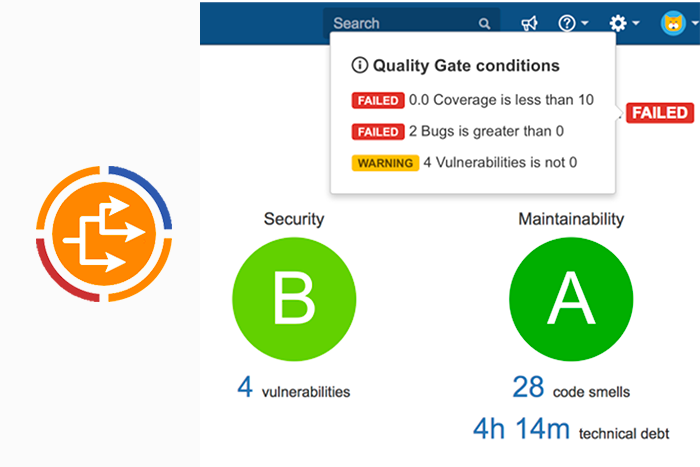
SonarQube Connector for Jira

SonarQube Connector for Jira

Integrate SonarQube / SonarCloud with Jira. All the information on the quality of the code at your disposal.

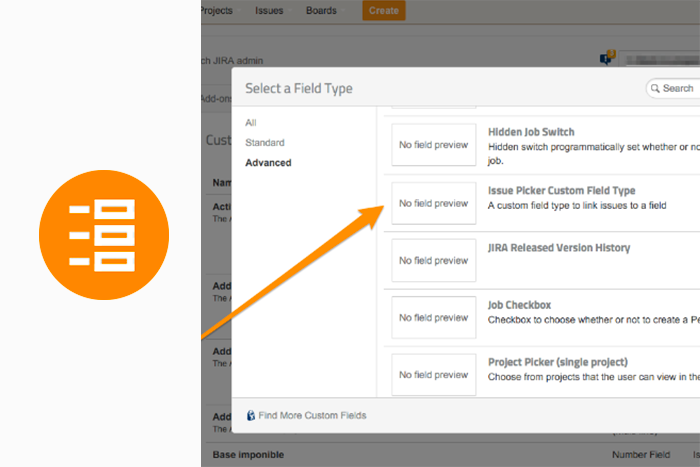
Issue Picker Custom Field Type for Jira

Issue Picker Custom Fields for Jira

A new custom field type to be able to create lookup fields and link issues.

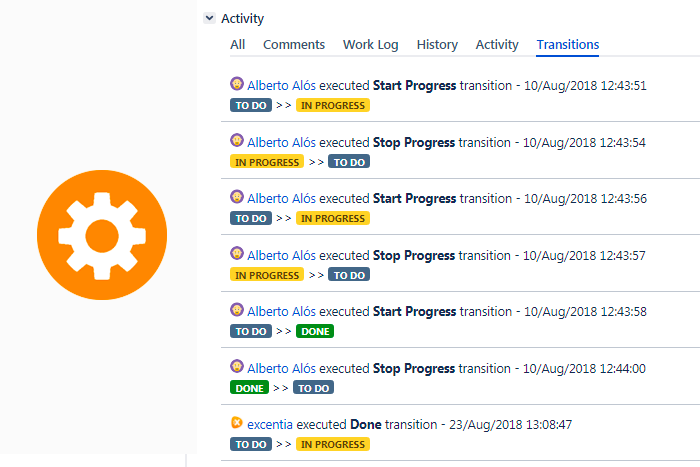
excentia Admin Tools for Jira

excentia Admin Tools for Jira

Tools for Jira administrators. Streamline work and reduce time for common tasks.

Receive the latest news about our products and services directly to your inbox