Prerequisites
Before downloading a SonarQube PDF report from Jira, make sure you meet these requirements:
1 - Check that SonarQube Connector for Jira is installed
The app must be installed on your Jira Cloud instance. Follow these steps to install it:
- Sign in to your Jira instance as an administrator.
- Go to administration and then Marketplace apps.
- Click Find new apps (Explore apps).
- Search for "SonarQube Connector for Jira" and select the app.
- Choose Try free or Buy now and select the instance where you want to install the app.
- You can also install the app directly from the Atlassian Marketplace.
2 - Configure the SonarQube Connection
Next, configure the connection to SonarQube Server or SonarQube Cloud and the corresponding credentials. Follow these steps to configure the connection:
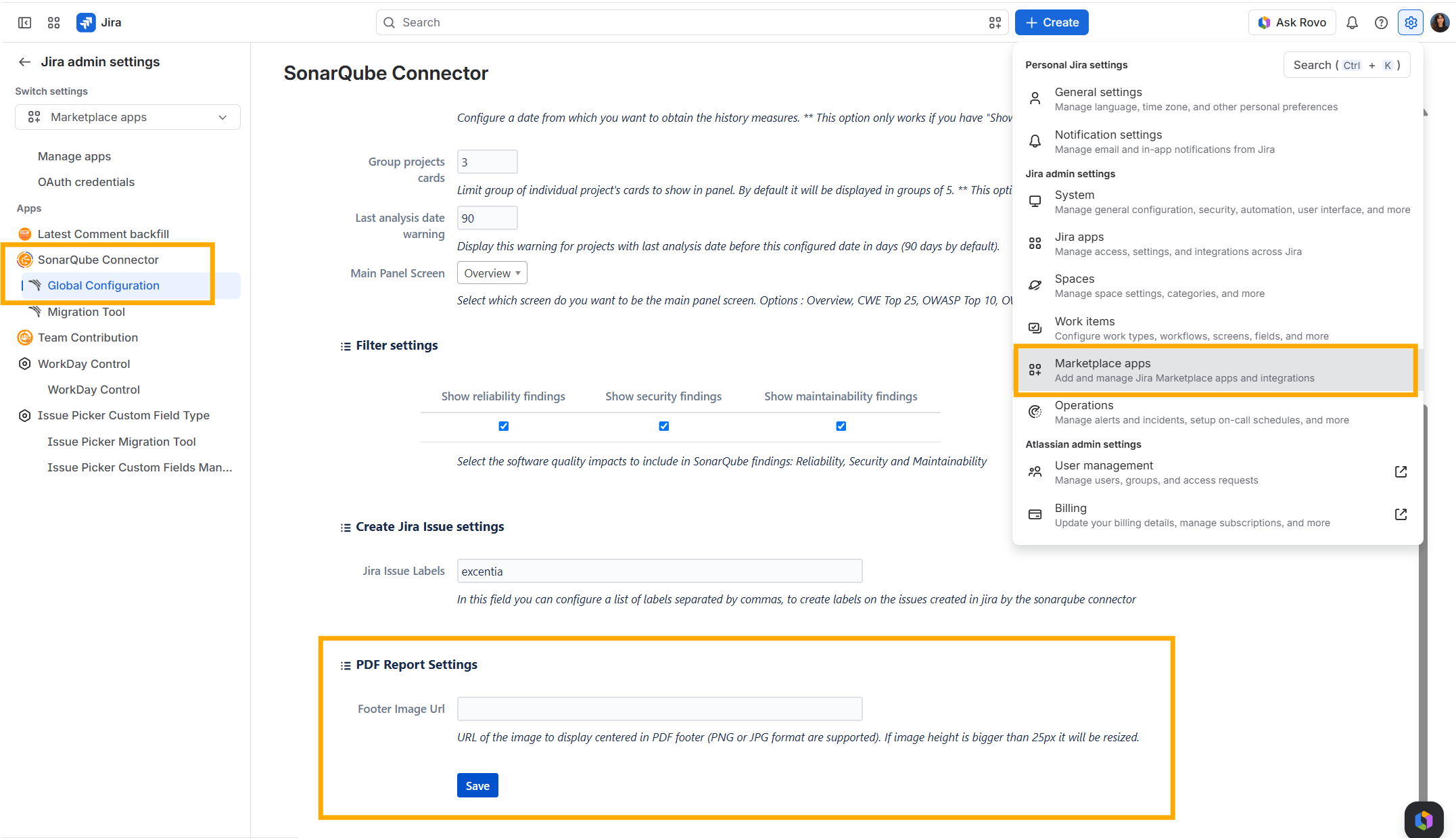
- Open your Jira instance, go to Settings, and select Marketplace apps.
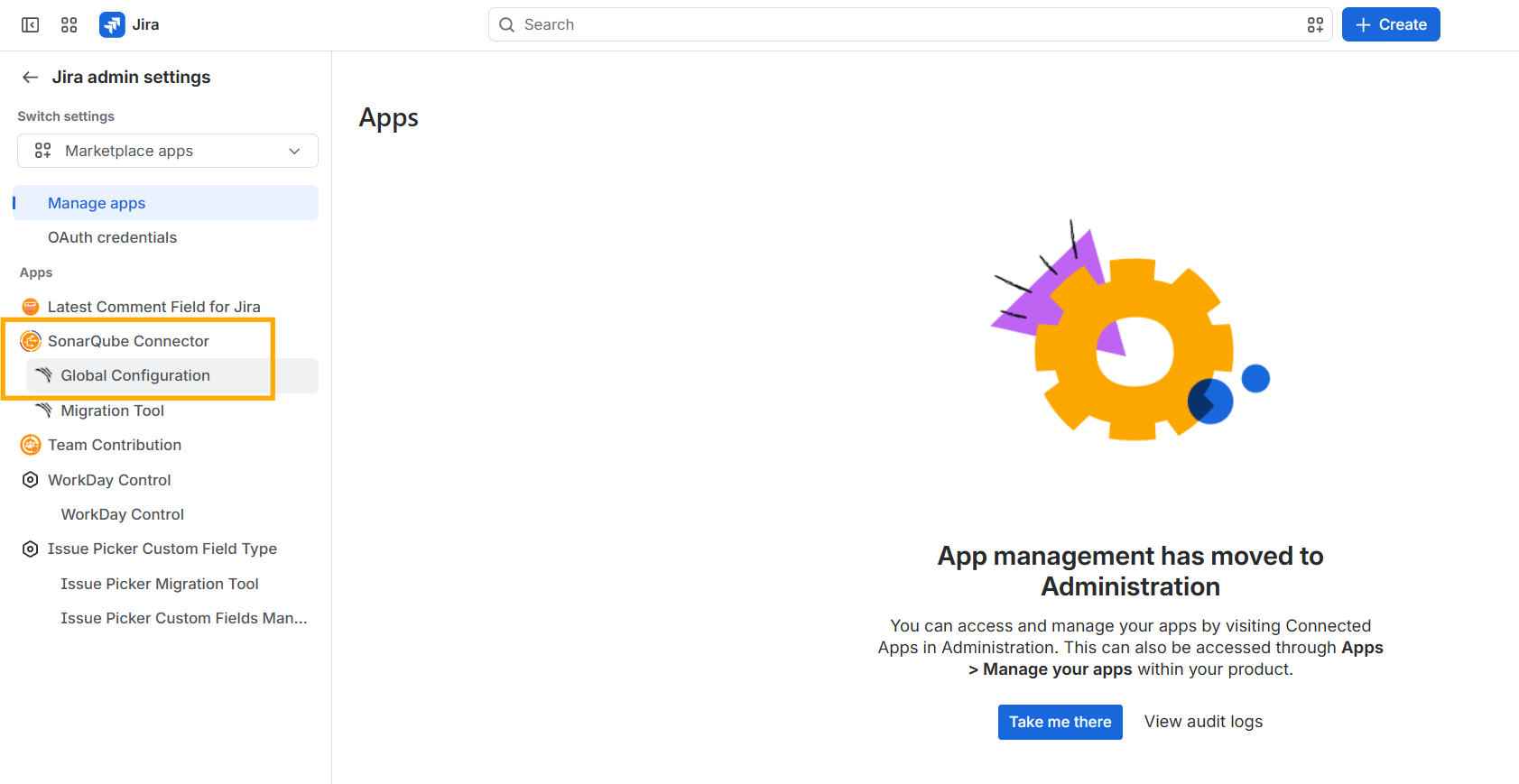
- In Jira’s left sidebar, find Global Configuration under SonarQube Connector for Jira in the app list. The screenshot below shows where to find it.
- On the page that opens, enter your SonarQube Server URL or SonarQube Cloud credentials.
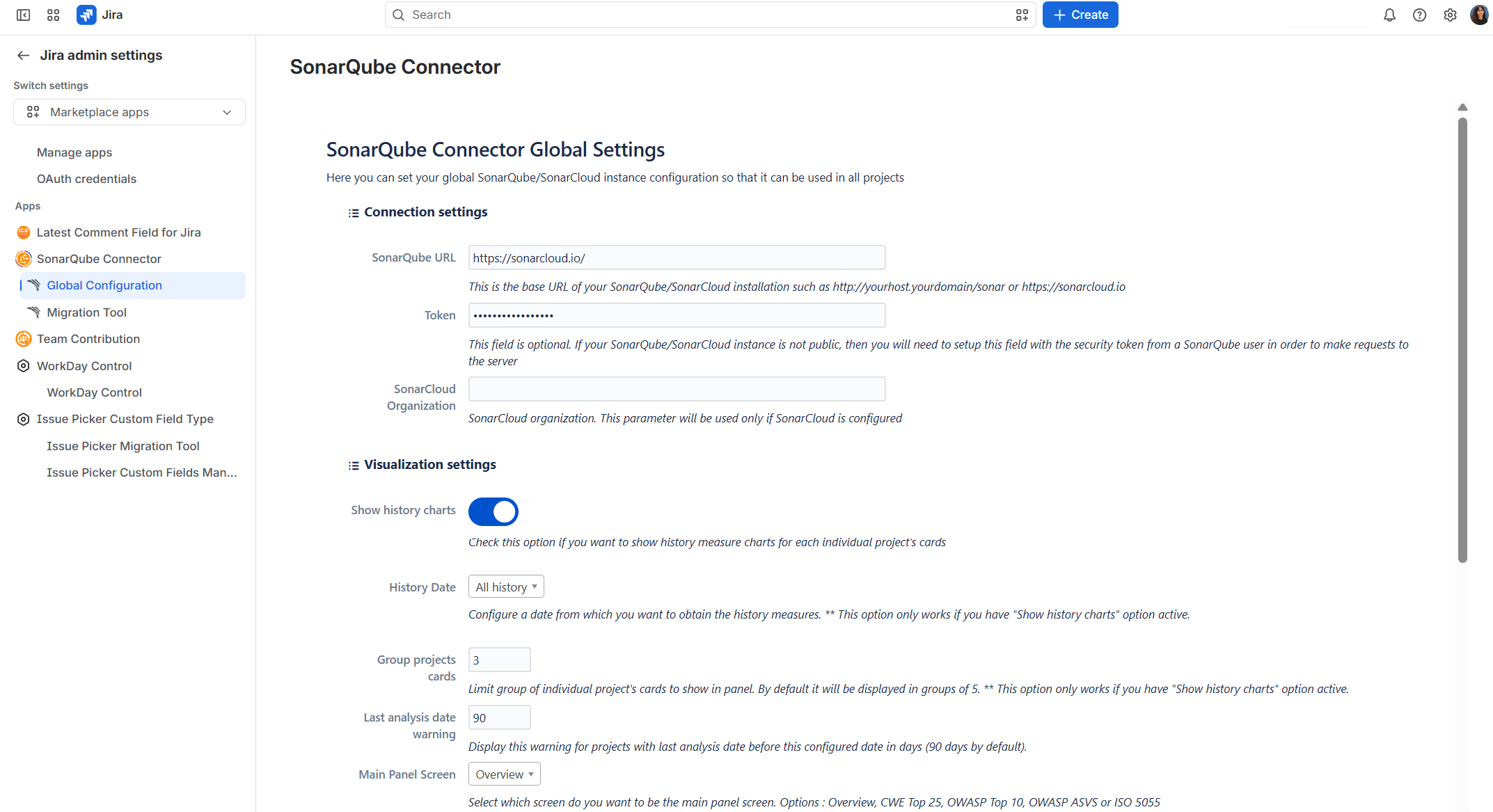
- Enter your access token (personal access token) from SonarQube to authenticate the connection.
3 - Link your projects
The Jira space where you want to use SonarQube Connector for Jira must be linked to at least one SonarQube project to display its data. Follow these steps to set up the link.
- In Jira’s left sidebar, open the space where you want SonarQube Connector for Jira data to appear.
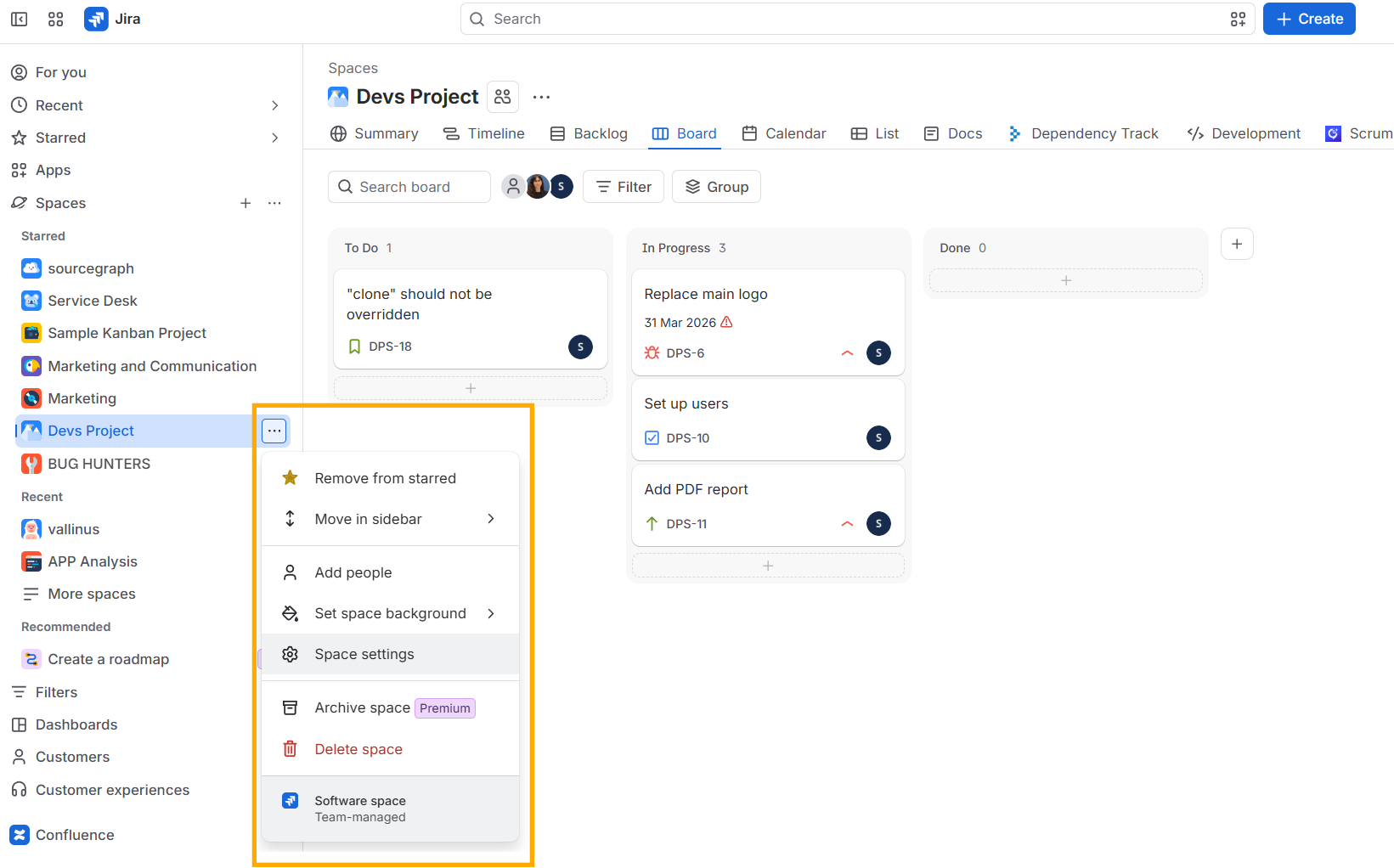
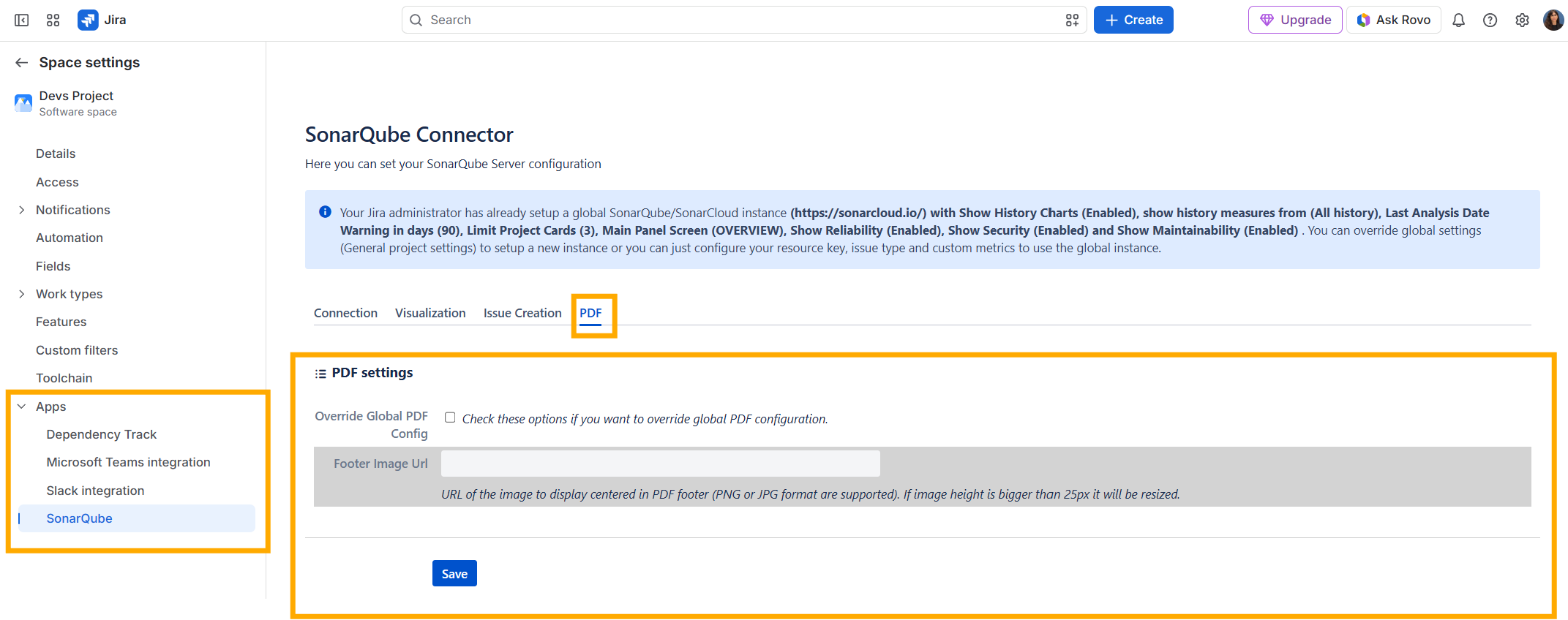
- In the settings page, select Apps in the left sidebar, then click SonarQube.
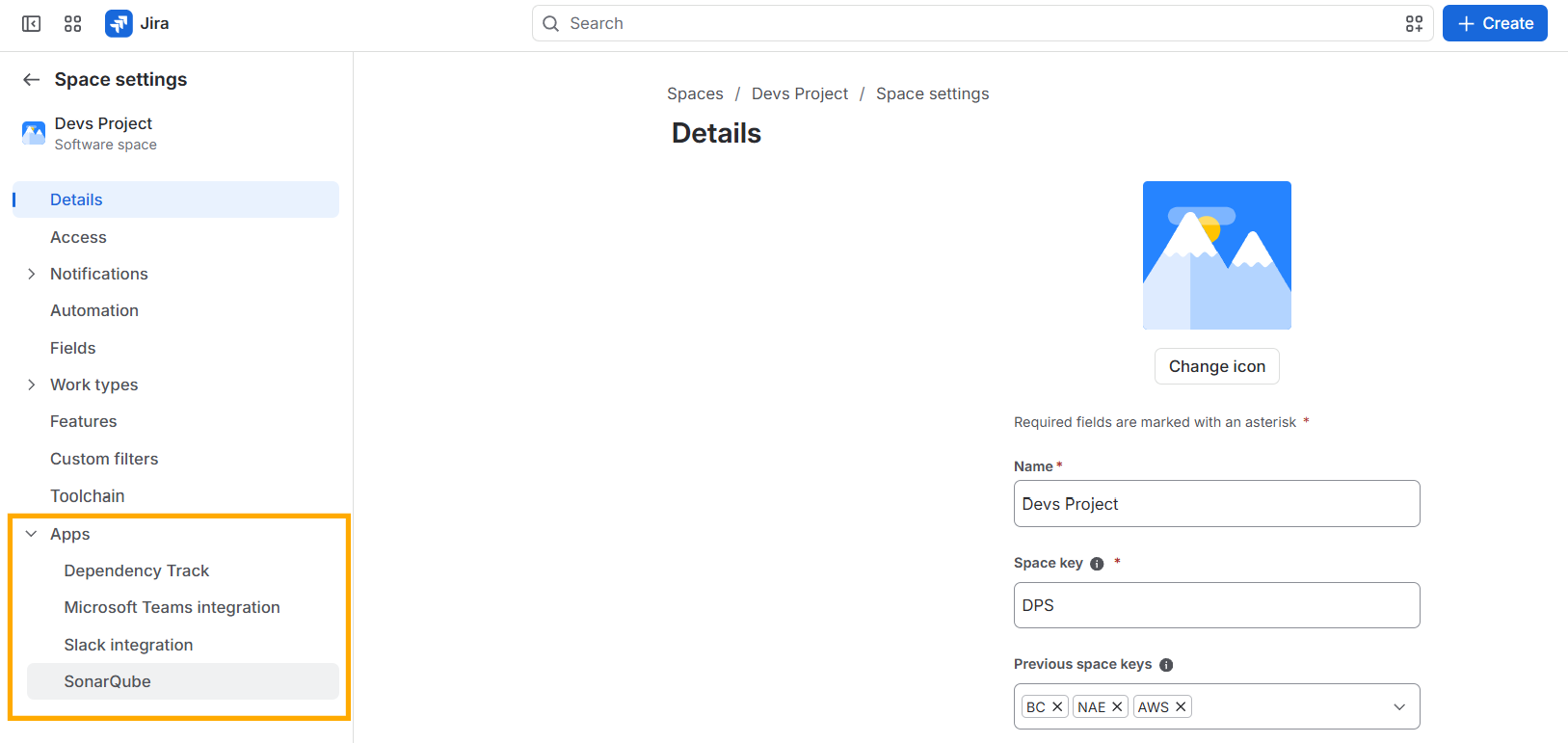
- In the Connection settings section, you can use the SonarQube instance from the global configuration or configure a different instance by selecting or clearing "Check this option if you want to override global connection configuration".
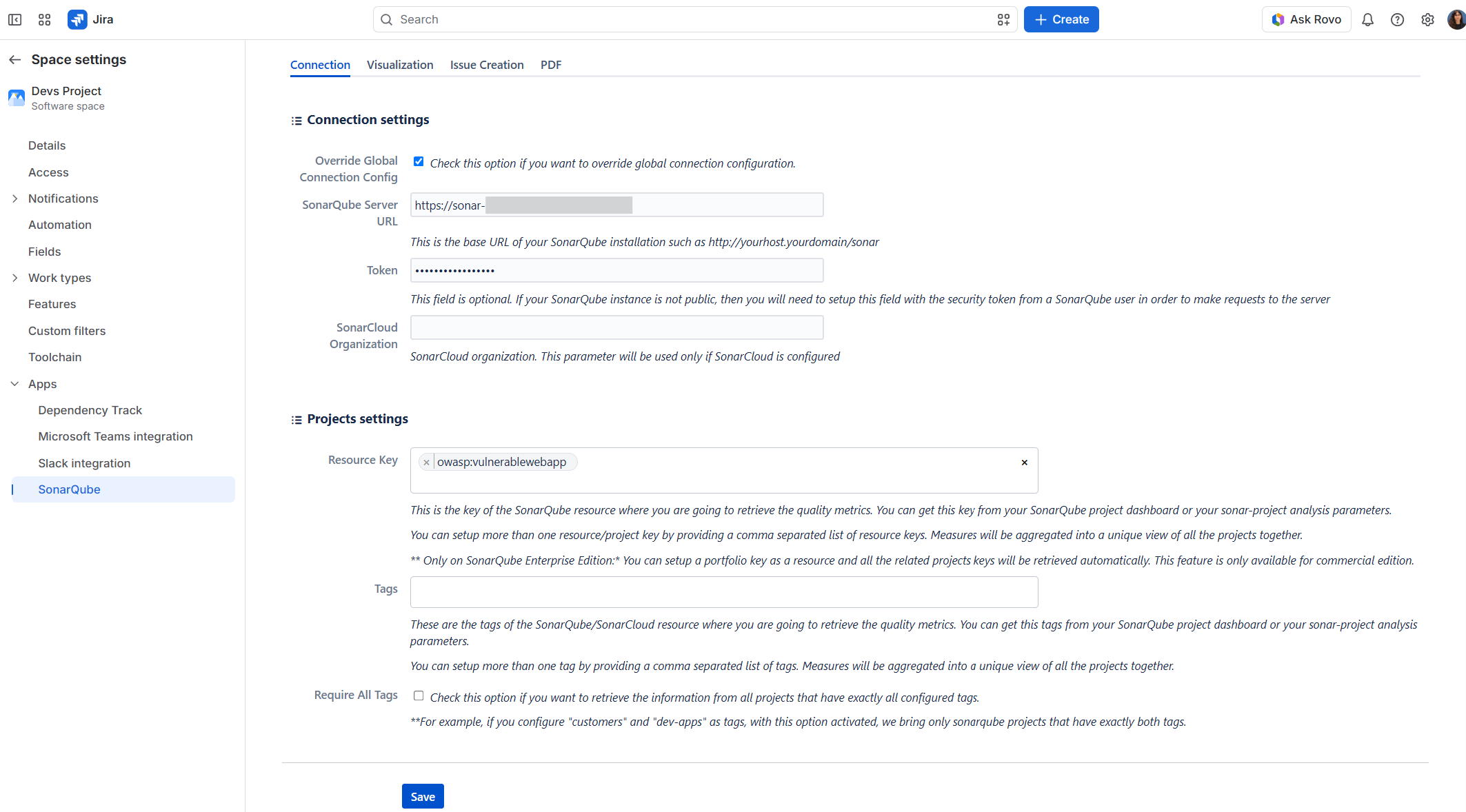
- In the Project Settings, enter the key of the SonarQube project whose data you want to display. Then click Save.
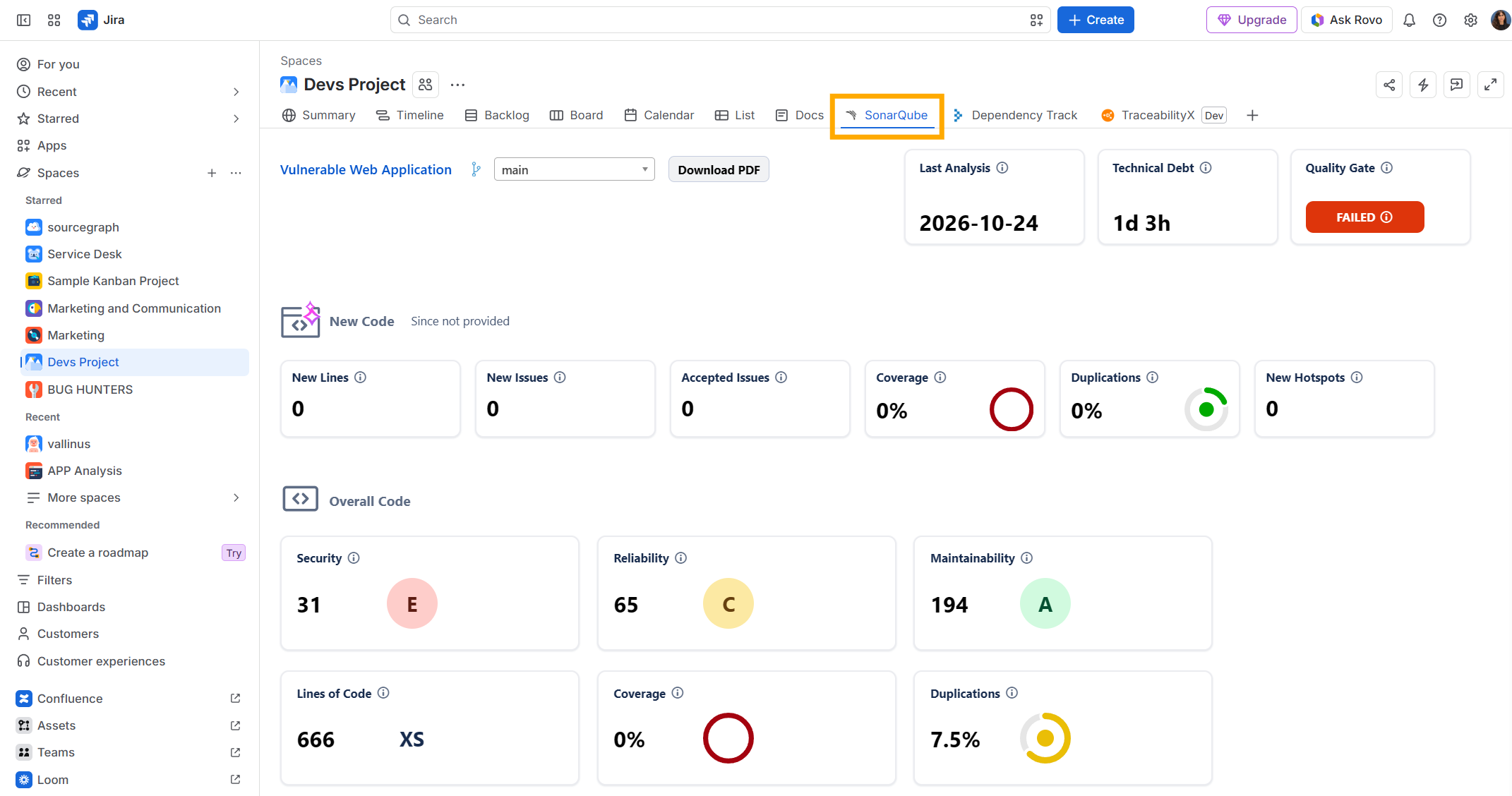
- Once configuration is complete, open the SonarQube tab in your Jira space to view data from the linked project.